What exactly does the Workflow tool in zaso.ai do?
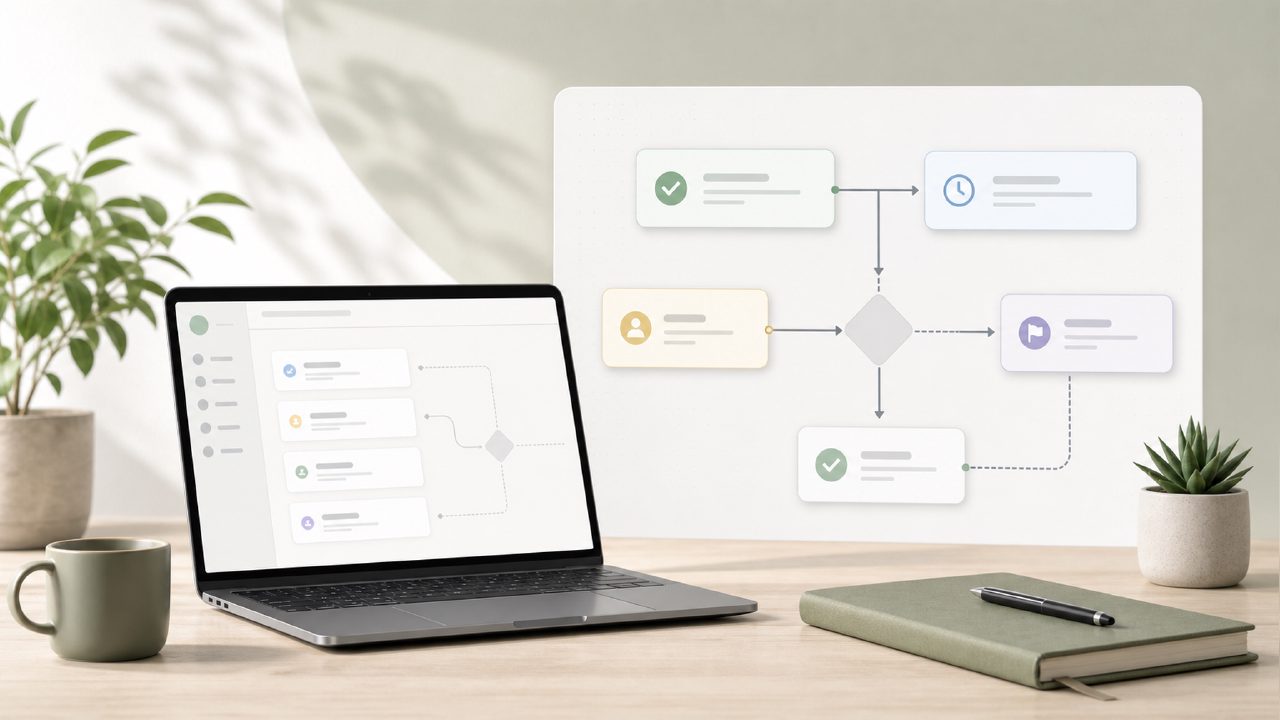
I started testing zaso.ai’s Workflow tool because I needed something lighter than my bloated task manager. The premise is simple: six focused AI tools, each handling one job — and the one labeled “Workflow” is meant to help you sequence tasks and decisions without burying you in setup. It’s not a full project management app. Instead, it acts like a lightweight guide: you describe what you’re trying to do, and it suggests steps, deadlines, or dependencies.
My first test was planning a small home renovation. I typed in “replace bathroom vanity and retile floor,” and the tool returned a rough timeline with checkpoints. It didn’t overcomplicate things — no Gantt charts or assignees. That felt refreshing, but also a bit limited if you’re used to tools like Asana or Monday.com. For personal use, it worked fine, but I wouldn’t call it a replacement for a serious Workflow Management system at work.
Can it handle Daily Planning effectively?
I tried using the Workflow tool for Daily Planning for about a week. The idea is to list your morning intentions and get an optimized schedule. I gave it a random Thursday: “write article, buy groceries, call dentist, prep tax docs.” It returned a timeline that grouped similar tasks together — groceries and dentist visit in the same afternoon block, writing in the morning.
That was better than my usual scattershot approach. But here’s the friction: it doesn’t learn from your past choices. Every day is a blank slate, so you repeat the same input over and over. If you want a habit-aware assistant that remembers you always need a 10-minute break after lunch, this isn’t that. It’s more like a smart sticky note with suggestions — useful for one-off planning, less so for building a consistent Productivity System.
How does it fit into Life Management or Personal Knowledge tracking?
This is where the tool surprised me in a good way. Life Management with zaso isn’t about managing contacts or budgets — it’s about handling the chaos of daily decisions. I tried using it to figure out how to reorganize my home office. The workflow broke down “clear desk → sort cables → label shelves → test lighting.” It was simple enough that I actually followed it.
For Personal Knowledge capture, though, it’s weak. The tool doesn’t store notes or let you tag information. If you want to keep a Digital Journal of your reflections on those steps, you’d need a separate tool. Zaso’s design is intentionally narrow: each tool does one thing. The Workflow tool sequences action; it doesn’t archive insight. That’s a conscious tradeoff, but if you’re looking for a unified Productivity System that also handles knowledge, you’ll have to patch in other tools.
Where does Workflow fall short — and what should you watch out for?
My biggest cautious judgment is about depth. The Workflow tool is great for straightforward, linear plans — like cooking a recipe or packing for a trip. But if your project has branches (“if X happens, do Y; otherwise Z”), you’ll hit a wall. I tested a multi-step content publishing plan with approvals and revisions, and the tool couldn’t handle conditional logic. It just listed steps linearly.
Also, the output is text-based with no drag-and-drop reordering. If you want to move a step, you edit the prompt. That’s a smaller frustration but it adds friction when you’re iterating. For people who need a light, fast way to get a plan out of their head and into a sequence — and who don’t mind that it won’t grow with them — the Workflow tool in zaso.ai is a decent option. Just don’t expect it to replace a full project management suite or become your single source of truth for everything.
Comments
Leave a Comment