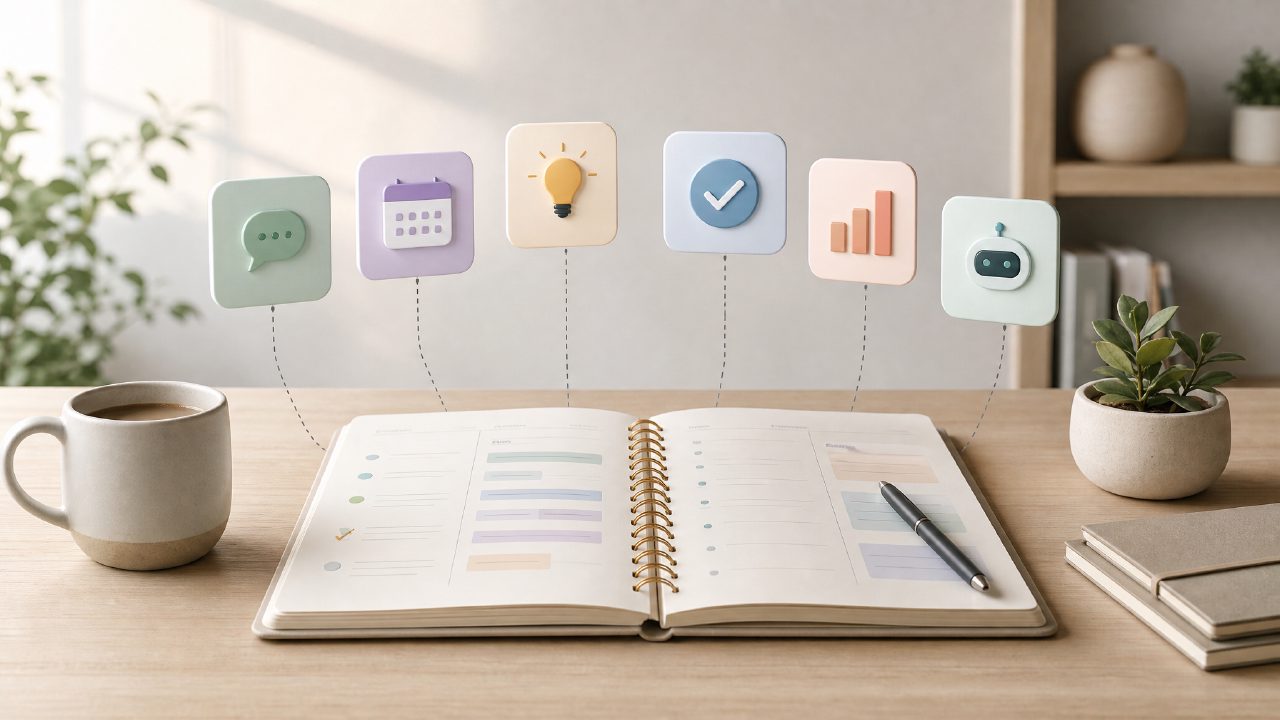
I’ve been testing whether a focused set of small AI tools could replace the sprawl of apps I use for daily planning and task management. That’s what drew me to zaso — it’s not a do-everything super app, but six small tools, each tuned to a specific job. The angle I wanted to check was Optimization: can using these tools together actually cut friction, or does it just add another layer of setup?
Starting with one concrete scenario: a messy Monday morning
I picked a day where I had to plan a week of client calls, keep track of reading notes, and not forget a small personal errand. Normally I’d juggle a notes app, a calendar, and a to-do list, and I’d still miss something. With zaso, I started in the Daily Planning tool. It’s stripped down — you type a few sentences about what’s coming up, and it suggest a rough order. I didn’t try to overcomplicate it: I just listed “call A, call B, read chapter 3, pick up dry cleaning.” The output wasn’t magical, but it was fast. It didn’t try to schedule my whole life, which was actually a relief.
Then I used the Digital Journal tool to quickly log what I’d finished at end of day. It feels less like a diary and more like a lightweight log. That’s fine for my use case — I’m not looking for deep reflection, just a record I can review later.
Where the optimization really showed up
The tool that surprised me most was the one for Personal Knowledge. I had been collecting random snippets from articles and podcasts. Dragging them into a typical notes app usually means I forget they exist. Zaso’s version lets you drop a short note and tag it loosely. Later, when I used the Life Management tool to review what I had learned that week, it surfaced a note about a productivity technique I’d saved two days earlier. That kind of recall felt earned — not like a search, but like a tiny reminder that I actually owned that information.
I also tried to form a mini Productivity System using just these tools. The key was not to force it. I used the Workflow Management tool to set a simple routine: morning planning, midday check-in, evening review. It’s not as powerful as something like Notion or a full GTD app, but it also doesn’t demand you to learn a new system. You just use it, and if you skip a day, nothing breaks.
A tradeoff I felt
The tools are small, and that’s the point. But there were moments I wanted more. For example, the Daily Planning tool doesn’t let you set recurring tasks or dependencies. I had to remember to re-enter a recurring call. That’s a friction point — if optimization means reducing cognitive load, having to remember to re-enter a weekly task is a miss. I’m not sure if that’s a limitation of the tool or a deliberate choice to keep it simple. Probably the latter, but it still bothered me.
Another thing: the Tasks tool (which is separate) felt a bit too bare. It lists items, you check them off, but there’s no priority or deadline view. For someone trying to optimize a workflow, that might be fine if you use it alongside other tools. But if you rely solely on zaso, you might find yourself wanting a little more structure.
Who this works for — and who might skip it
If you already have a strong productivity system and you’re deep into a specific tool, zaso probably isn’t an upgrade. It’s more for someone who feels the weight of too many apps and wants a lighter AI Assistant that handles the basics without forcing a methodology. The six tools cover daily life needs — planning, journaling, knowledge capture, task tracking, and two more (I haven’t fully explored the other two yet). The lack of integration between them is actually a feature: each tool stays focused.
I found myself using it mostly for what I’d call life management — the small, recurring decisions that can drown out bigger goals. The optimization here is not about speed or automation. It’s about reducing the number of places you have to look. The tradeoff is that you lose some power features. I can live with that for now.
Final observation
After a week, I noticed I was checking zaso more frequently than my previous combo of apps. That’s probably the best signal. The Optimization wasn’t dramatic, but it was real. I spent less time arranging my tools and more time doing the actual tasks. If you’re curious, try it on a single day with just two tools — Daily Planning and Digital Journal. That’s enough to tell whether the approach suits you. For me, it’s earned a spot as a supplement, not a replacement. And that’s okay.
Comments
Leave a Comment