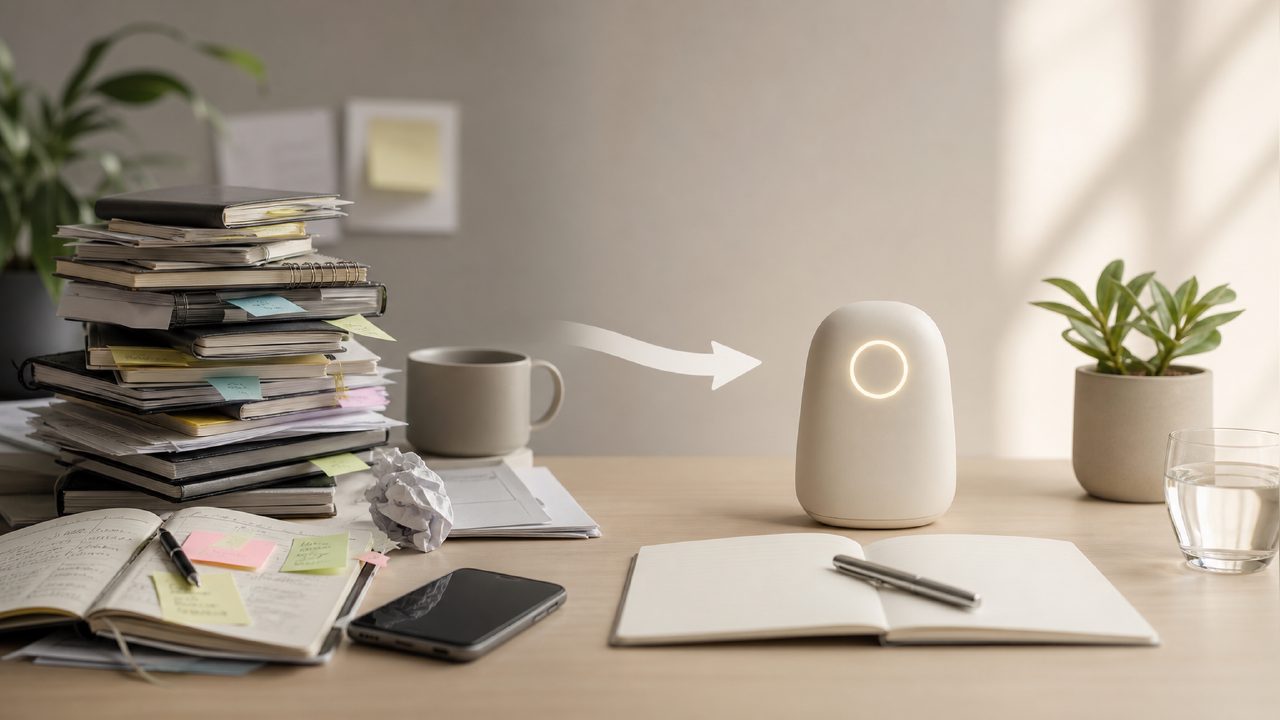
I’ve probably rebuilt my personal productivity system half a dozen times. Notion, Todoist, ticktick — they all do the job, but the setup and maintenance often eat into the time I’m trying to save. When I came across zaso.ai, I was skeptical. A suite of six focused AI tools sounded either too limited or too gimmicky. I decided to stress-test the Reminders tool specifically. I wanted to see if a barebones, AI-driven approach could replace the bloated systems I usually end up abandoning.
First Impressions of the Reminders Tool
Setting it up was almost unsettlingly simple. There are no complex folders, no project hierarchies. You just type naturally. I threw a messy sentence at it: “Make sure I call the dentist sometime next Tuesday afternoon.” It parsed it immediately. No friction. That was the first moment I felt this might actually stick. It felt less like setting a task and more like having a competent AI Assistant listen and take notes.
What surprised me was how it handled completion. When I checked a reminder off, it asked a quick follow-up. “Did it go as expected?” This small loop turned simple Tasks into a form of Digital Journal. Over a few weeks, I built a surprisingly useful log of my life — a sort of Personal Knowledge base composed of small, completed actions. I didn't realize I needed this until I actually had it.
Daily Planning and Life Management
For Daily Planning, it’s almost too easy. I dump everything into it, and it organizes by time sensitivity. It’s great for personal Life Management. I use it to track everything from medication to checking in with distant friends. It functions as a lightweight Workflow Management tool for my personal life, not for work teams.
There was a definite adaptation period, though. I kept wanting to create folders and tags. The Reminders tool felt chaotic until I accepted that the AI handles the sorting. I just had to trust the search. That was a genuine friction point for the first week. I nearly gave up because I felt like I wasn't “controlling” it enough.
Tradeoffs and Practical Concerns
Here’s where I’m cautious. The tool is great for personal use, but I have reservations. My biggest worry is lock-in. If I build my entire Life Management routine around this specific tool, what happens if the focus shifts or the product sunsets? Standard reminder apps are boring because they’re safe. This is smarter, but it’s a bit of a bet. I wouldn’t recommend it for complex team-based project tracking, but for an individual trying to stop forgetting things, it’s a solid choice.
It also won’t replace deep work tools. I still use a notebook for strategic thinking. But for quick, shallow captures? The Reminders tool is now the front door to my personal Productivity System. It captures things fast, logs the results, and keeps me honest. If you’re tired of managing your task manager, this is a genuinely refreshing alternative.
Comments
Leave a Comment