Why Compare Recording Tools at All?
I wasn’t looking for another recording tool. I already had my phone’s voice memos and a running list of apps I never fully committed to. But I kept running into the same problem: I’d record a quick idea, a meeting recap, or a stray thought — and then it would just sit there. A digital graveyard of audio files I never revisited. So when I heard about zaso.ai and its approach of “6 small tools, each doing one thing well,” the Recording tool was the one I wanted to test head-to-head against the more crowded alternatives.
The Comparison: zaso Recording vs. General-Purpose Voice Apps
Most people I know rely on something like Otter.ai for transcription or just use the built-in voice memos on their phone. Both work, but they serve different end purposes. Otter is great for long meetings and collaborative notes, but it feels heavy for everyday, casual capture. Voice memos are frictionless, but they don’t do anything with the content afterward — no transcription, no organization.
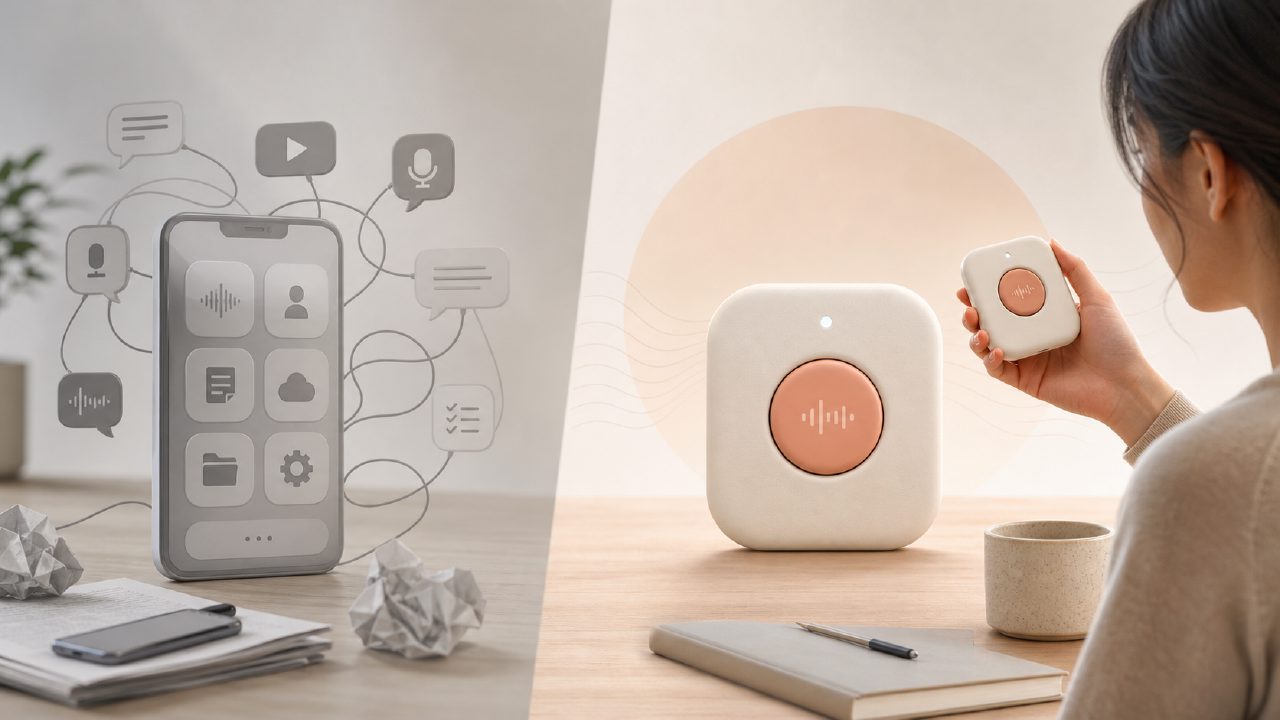
zaso’s Recording sits somewhere in between. It transcribes the audio automatically, and then the results link into the other tools in the set — like **Planner**, **Tasks**, and even the **AI** assistant for summarization. That integration is the main reason I kept coming back to it over a standalone transcription service.
What Worked in Practice
I tested it over a week for three specific scenarios:
- Capturing a brainstorming session. I recorded about 12 minutes of disjointed ideas. The transcription was accurate enough — maybe 95% on clean speech with no heavy accents. More importantly, the AI could immediately pull out action items and suggest tasks, which I could then drop into the **Tasks** tool. That saved me maybe 10 minutes of manual note review.
- Recording a daily journal entry. This was more of a personal experiment. I used the Recording tool as a Digital Journal, speaking for 2–3 minutes at the end of the day. The text version was easy to export, and because it’s linked to the Personal Knowledge flow inside zaso, I could search for past entries by date or topic. It’s not a full journaling app, but it’s close enough if your goal is quick voice-first capture.
- Setting up a weekly plan. I recorded a to-do list and a rough schedule for the week. The AI parsed it into tasks and placed them on a timeline. This felt like a lightweight Daily Planning tool with a voice interface. It worked about 80% of the time — sometimes I had to rephrase a task because the AI didn’t understand “check in with Jane about the budget” vs. “check in, with Jane about the budget.” Minor friction, but noticeable.
The Tradeoffs I Noticed
The biggest tradeoff is that zaso is not trying to replace your entire Productivity System. It’s a set of six focused tools, and Recording is just one piece. If you need advanced editing, speaker identification, or multi-hour meeting support, you’ll outgrow it fast. For example, I recorded a 45-minute group discussion, and the tool handled it, but the transcription took noticeably longer and I couldn’t easily split the text by speaker. Otter.ai does that better.
On the other hand, zaso’s Recording shines when you treat it as a bridge between voice capture and the rest of your Life Management workflow. It’s more of a Workflow Management tool disguised as a recorder — you speak, it understands, and then it feeds the output into your planner and task list. That’s a unique angle I haven’t seen in other single-purpose recording apps.
Who Should Use It (and Who Shouldn’t)
If you already have a solid system — maybe you use Notion for everything, or you’re a power user of transcription software — zaso’s Recording might feel too limited. But if you’re like me and you want a lightweight, integrated way to turn spoken words into organized tasks and notes without leaving one environment, it’s worth a try. I’m still cautious about long-form recordings, but for daily, short bursts of capture, it’s become my default.
My recommendation: use it if your recording habit is intermittent and you value the connection to **Planner** and **Tasks** over raw transcription power. If you need heavy-duty recording, stick with the specialists. For the rest of us, zaso offers a surprisingly smooth shortcut from speaking to doing.
Comments
Leave a Comment