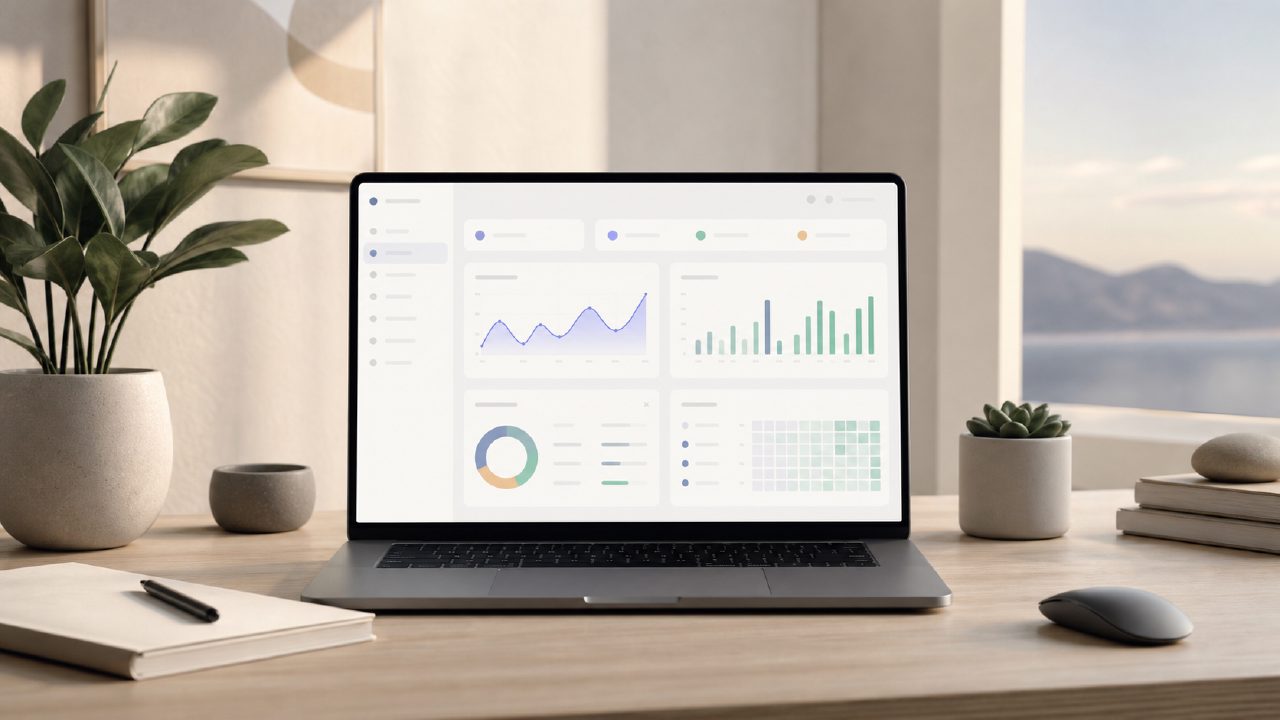
I’ve been quietly hunting for a dashboard that doesn’t immediately require a ten-minute setup ritual before it becomes useful. Most productivity apps try to swallow your whole life — notes, calendars, chats, files — and end up becoming a second job just to maintain. So when I saw that zaso.ai deliberately limits itself to six focused tools, I wanted to see if its Dashboard could actually help me stay on top of my day without adding overhead, or if it would just be another clean interface I abandon after a week.
Dashboard as a Daily Command Center
Right away, the Dashboard feels different from most “everything buckets.” It’s built around a timeline-slash-knowledge feed that surfaces your recent inputs and connects them to what’s coming next. I noticed it tries to weave together Daily Planning, Life Management, and your Personal Knowledge into one coherent space — not three separate modules you have to toggle between. The Assistant plays a subtle role here, offering suggestions based on what you’ve logged rather than blasting you with generic prompts.
There’s a mild friction point, though. If you skip a day or two of logging, the Dashboard starts to feel hollow. The Automation features are quiet — they handle recurring items without much fanfare — but they can’t rescue a empty feed. The Personal Knowledge block only works if you actually feed it. It’s not a passive ecosystem; it reflects your effort pretty transparently.
Testing the Productivity System Loop
I tried using the Dashboard strictly as a Digital Journal for a few days, ignoring the planning bits. The system pushes back gently — it kept prompting me to set intentions for the day. That’s when I started seeing it as a genuine Productivity System, not just a journaling app with a to-do list grafted on. The Workflow Management here is built around a loop: log, review, plan, repeat. It felt more like a practice than a tool, which I actually appreciated.
One concrete example: I used it to plan a chaotic Tuesday. I usually rely on a mix of sticky notes and calendar blocks. The Dashboard consolidated my tasks, notes from the previous day, and one recurring reminder (thanks to the Automation) into a single view. I didn’t need to open three different apps. That’s the appeal. But here’s the tradeoff — the six tools are tightly integrated. You can’t swap the journal out for a different note-taking app or replace the task list with another system. You buy into the whole ecosystem, for better or worse.
The Tradeoff You Should Feel Comfortable With
This is where my enthusiasm gets a little tempered. The Dashboard is opinionated. It wants you to check in daily, log your thoughts, review your Life Management categories, and set intentions. If you’re someone who prefers reactive, chaotic scheduling, this structure might feel restrictive after the first week. The Workflow Management is clear but rigid — it assumes you want a certain kind of order.
I also found that the Personal Knowledge integration works best when you treat it like a second brain, not a quick capture tool. If you dump random thoughts without context, the Dashboard doesn’t magically organize them. It’s honest about what you put in. That’s refreshing, but it also means this isn’t a passive assistant that does the heavy lifting for you.
So, is the zaso.ai Dashboard worth it? For me, it earned a spot in my rotation — not as a replacement for everything, but as a dedicated space for Daily Planning and Digital Journal habits. If you’re looking for a Productivity System that rewards consistency over clever automation, it’s one of the cleaner implementations I’ve tested. If you want a tool that works without much input, this isn’t it. The Dashboard mirrors your effort, and that’s both its strength and its honest limitation.
Comments
Leave a Comment