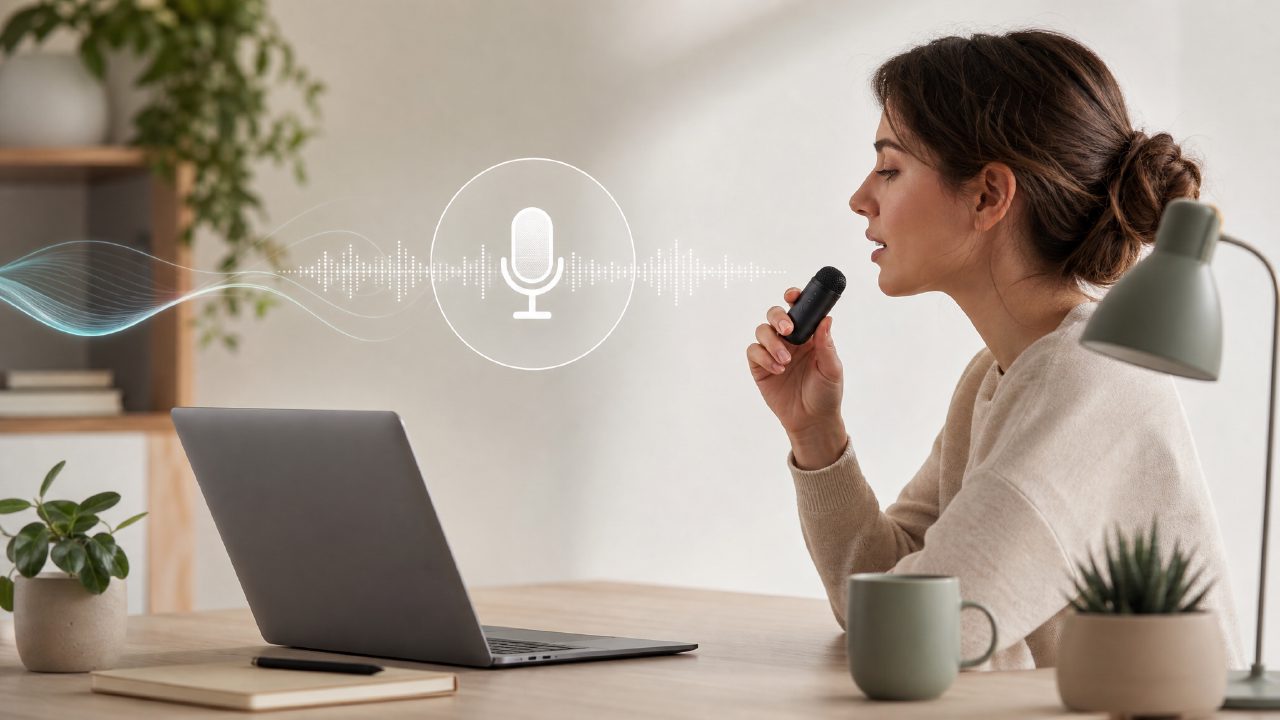
I started testing zaso’s Speech tool because I was tired of typing out quick reminders and meeting notes on my phone. I had tried other dictation apps before, but most either required heavy editing afterward or pushed me into a full note-taking ecosystem I didn’t need. zaso isn’t trying to be a do-everything app — it’s six small tools, and Speech is one of them. I wanted to see if it could actually fit into a daily routine without getting in the way.
After using it for a few days, here’s what stood out — organized as a checklist of what Speech can actually do and where it still has room to improve.
- It fits into a Productivity System without forcing one on you. Speech doesn’t try to organize your life for you. It just captures what you say and turns it into text. That sounds basic, but it’s surprisingly useful when you’re already using your own Life Management habits. I could dictate a grocery list and later drop that text into my Daily Planning notes without friction. The tool stays out of the way.
- Good for quick entries into a Digital Journal or Personal Knowledge base. I started using it for short voice journal entries — just 30 seconds of rambling about the day. The accuracy was decent for English, though it stumbled on unusual names or partial sentences. Still, it was fast enough that I didn’t mind fixing a word or two. If you’re the kind of person who wants to log thoughts but hates typing, this works.
- Works alongside the Dashboard, Planner, and Tasks tools inside zaso. This is where the checklist gets interesting. Speech isn’t glued to the other tools, but they connect naturally. I dictated a task list and it appeared in the Tasks tool within seconds. No extra setup. That level of integration made me more likely to actually use the Planner and Dashboard consistently, because the data entry barrier dropped.
- Not a replacement for a full Workflow Management tool, but a good input layer. If you need complex voice commands or multi-step automation, Speech probably isn’t enough. It’s really just capture and paste. I tried using it for a longer brainstorming session, and the lack of editing features inside the dictation window annoyed me. You have to export or copy the text elsewhere to refine it. That’s a realistic tradeoff if you expect a polished editor.
A mild friction point: There’s no punctuation control by voice. You have to speak clearly and manually add periods afterward. It’s fine for notes, but for writing anything formal, you’ll want to edit. Also, the tool doesn’t learn your vocabulary over time — at least not in the way dedicated dictation apps do. It felt more like a utility than an adaptive assistant.
Who it’s actually for: If you already have a Productivity System (even a loose one) and just need a quick way to dump text without breaking your flow, Speech is worth a try. If you’re looking for a command-center voice AI that manages your entire day, keep looking.
In the end, I kept Speech installed. It’s simple enough that I use it for small things: adding items to my Daily Planning list, capturing thoughts for my Digital Journal, and occasionally drafting notes that later become part of my Personal Knowledge library. It doesn’t do everything, but it does the one thing well enough to matter.
Comments
Leave a Comment