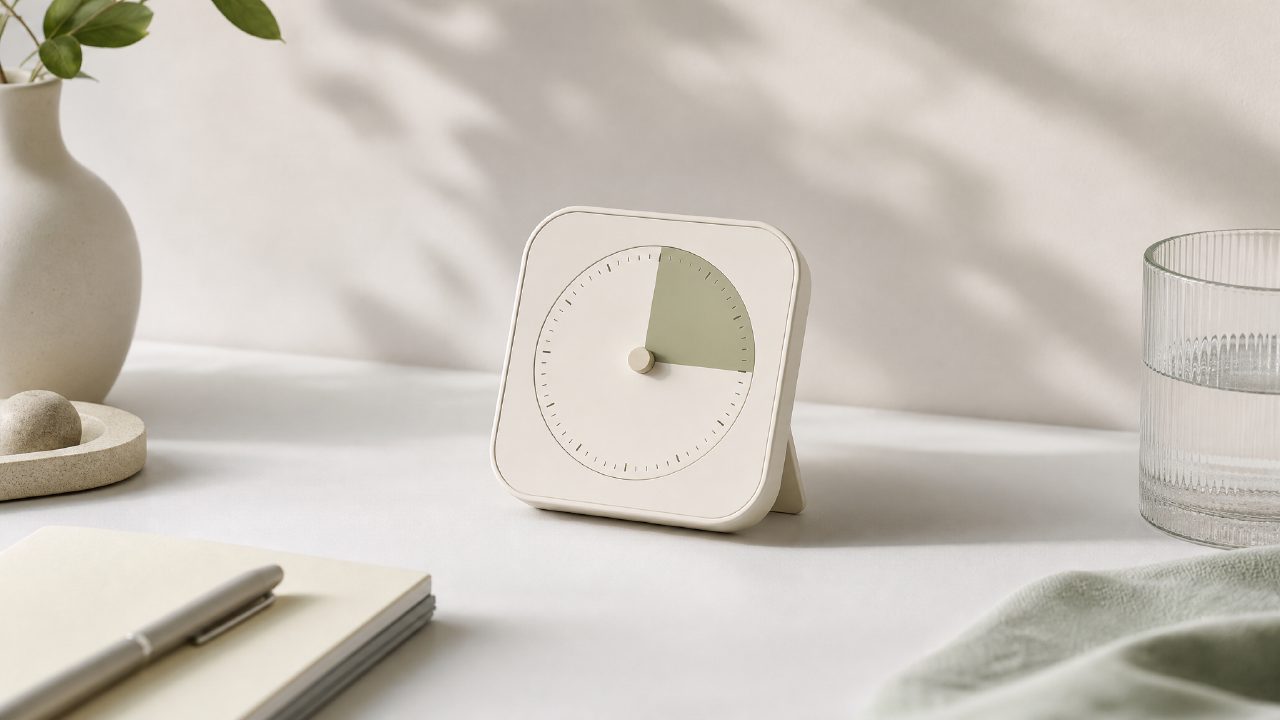
Why I Tested the zaso Timer (and Why You Might Want To)
I’ve cycled through more productivity apps than I care to admit. Most promise to fix your attention span and then overwhelm you with dashboards, stats, and integrations you never asked for. So when I heard about zaso—a set of six focused AI tools, each doing exactly one thing—I was skeptical but curious. The Timer was the first one I tried.
I went in with a simple question: can a bare-bones timer actually help me stay on task without the usual mental overhead? I decided to run it through two real work sessions: one for writing, one for reviewing emails. Here’s what happened.
The Setup: One Concrete Scenario
My test session was a 45-minute block for drafting a newsletter. I opened the zaso Timer, picked a 25-minute focus interval (their Pomodoro preset), and started. The interface is almost aggressively minimal—no countdown animation, no sound effects, just a clean number. I liked that. It didn’t try to be a Productivity System out of the box.
During the first interval, I noticed I wasn’t checking the clock every few minutes. The timer is visible but not intrusive. That’s a win. After the break, I started a second 25-minute round. By the end, I had a rough draft done. It wasn’t groundbreaking, but the tool stayed out of the way.
A Slight Friction
Here’s where I hit a mild limitation: you can’t adjust the interval length in one click. I wanted a 30-minute focus block, but the defaults are fixed at 25 and 50 minutes. To change it, you have to tap into a settings menu, which takes you out of the flow. It’s a small thing, but if you’re used to tweaking your Daily Planning on the fly, it might bug you.
Second Scenario: Email Review with a Twist
For the second test, I used the Timer to enforce a 15-minute block for triaging emails. I set it manually (the workaround), and it worked fine. The timer has a subtle vibration when time’s up—no loud alarm that would embarrass me in a quiet coffee shop. That’s thoughtful.
But here’s the tradeoff: the tool doesn’t log completed sessions. If you’re trying to build a Digital Journal of how you spend your time, you’re out of luck. It’s purely a live timer. No history, no insights. For someone who wants a Workflow Management hub, this will feel too bare. For a quick focus session, it’s enough.
Who Should Consider This Timer?
After a few days, I think zaso’s Timer works best for people who already have their Life Management habits mostly set and just need a reliable digital egg timer. It’s not going to teach you discipline. It’s not going to sync with your calendar. But if you want something that starts fast and doesn’t try to be everything, it does the job.
One cautious observation: the “AI” label is mostly about the backend (zos.ai hinted at smart reminders based on usage patterns), but in practice I didn’t see much automation. The timer I used felt like a straightforward tool with a promising foundation. I’d like to see how it grows.
Bottom line: if you need a focused timer that leaves you alone, this one is worth a look. If you need deep reporting or Personal Knowledge integration, you’ll want something bigger. But for the price of entry (free, as of now), it’s a solid piece of a minimal productivity stack.
Comments
Leave a Comment