You open an AI app to draft a quick email, and suddenly you're staring at a chatbox that wants to write your novel, plan your vacation, and refactor your code. That's the problem with most AI tools right now — they try to be everything, so they end up being noisy and unfocused for the small stuff you actually need done daily.
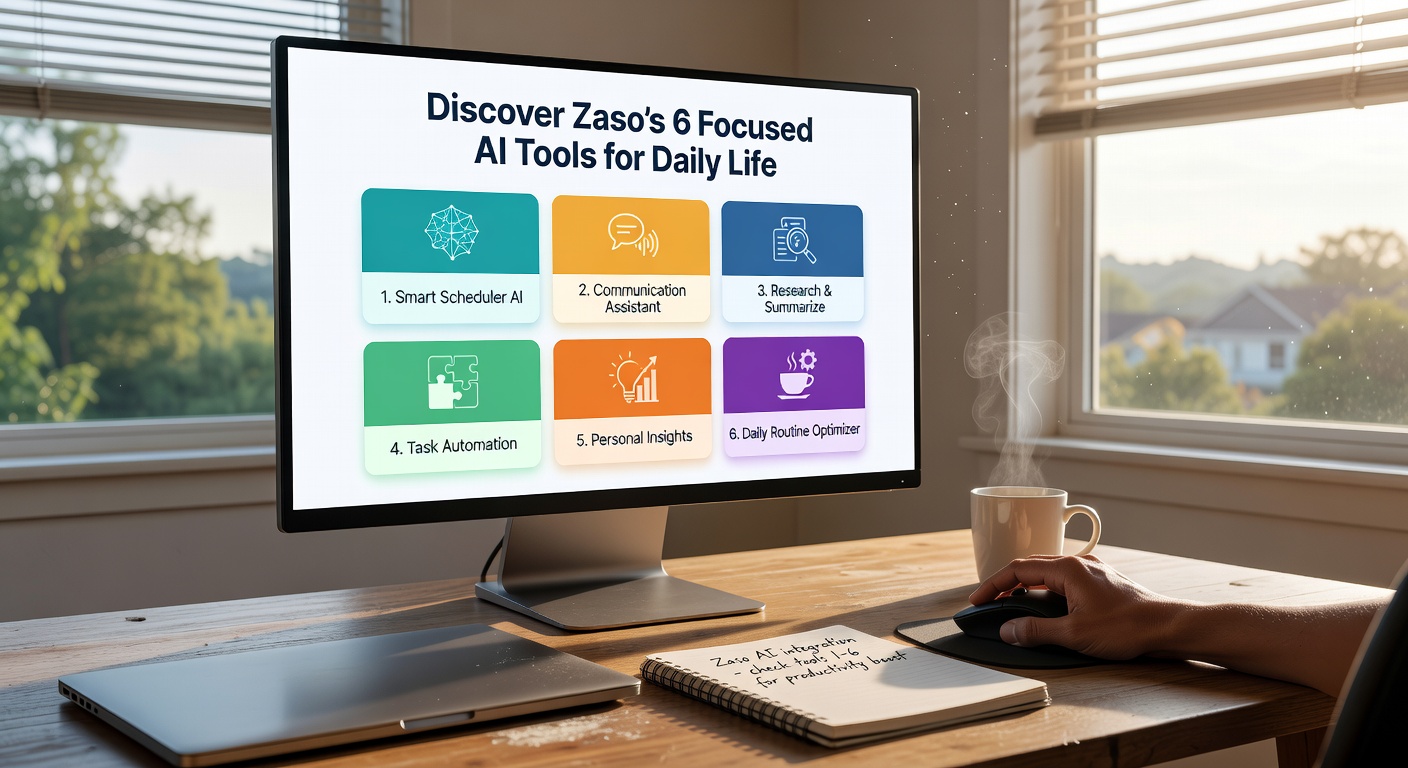
Zaso takes the opposite approach. It's not another super-app with a thousand features buried under menus. It's six small, focused AI tools, each built to handle one specific daily task cleanly. No feature creep, no endless prompt engineering. You pick the tool that matches your problem, you get your result, and you close it.
What the Six Tools Actually Do
Zaso's current lineup covers the kinds of tasks that eat up small pockets of time throughout the day. Think summarizing a long article you need the gist of before a meeting. Think rewriting a paragraph so it sounds less stiff without you manually swapping words one by one. Think pulling key action items out of a messy thread of emails. Each tool has a narrow job, and the interface reflects that — you're not configuring parameters, you're just pasting text and getting output.
One tool handles quick translation that respects context rather than word-by-word substitution. Another generates short-form written content — social posts, brief replies — without the bloated verbosity typical of generic AI writers. There's also a tool for extracting data points from unstructured text, which is handy when someone sends you a wall of prose and you just need the numbers and dates.
The last two lean into daily organization: one structures rough notes into something readable, and the other helps you draft clear, short messages when you're staring at a blank screen and can't find the right tone. None of these are revolutionary on their own. The value is in how fast you can move from "I need this done" to "done" without wading through a general-purpose chatbot.
Where It Works and Where It Doesn't
If your workflow is mostly quick, discrete tasks — summarizing, rewriting, extracting, drafting short replies — Zaso feels efficient. You're not re-explaining context to a chatbot every time. The tool already knows its lane, so the input is minimal and the output is tighter. That's a real time saver when you're doing five small writing tasks between other work.
But there's a tradeoff. If you need deep, multi-step reasoning, long-form generation, or iterative refinement where you go back and forth with the AI on a complex project, these narrow tools won't cover you. They're not designed for that. You'd still need a broader AI assistant or a specialized tool for that kind of work. Zaso also doesn't integrate with your existing apps — there's no Slack plugin or email sidebar. It's a standalone web tool, which means copy-paste is the workflow. That's fine for quick hits, less fine if you want everything piped into your system automatically.
Another realistic limitation: with only six tools, there are gaps. No image generation, no data analysis, no voice. If your daily life includes those, Zaso won't replace what you're already using. It's additive, not a full toolkit.
Is It Worth Trying
Zaso's focused AI tools make sense when the friction in your day comes from small, repetitive text tasks that don't need a full creative workspace. If you're tired of over-engineered AI platforms for simple jobs, the narrow scope here is refreshing. It won't replace your main AI assistant for heavy lifting, but for the quick, daily stuff — summarizing that report before your next call, rewriting a tricky paragraph, pulling dates out of a long message — it gets you through faster with less noise. Keep your general tool for the complex work; add Zaso for the small things that currently take more clicks than they should.
Comments
Leave a Comment